Getting Started With Our App
Together with our Official Ticket Source AXS, all tickets for British Airways ARC will now be delivered to you via AXS Mobile ID Tickets to ensure the best possible experience for our fans. Please ensure that you have downloaded the official British Airways ARC venue app before arriving at the venue for your event.
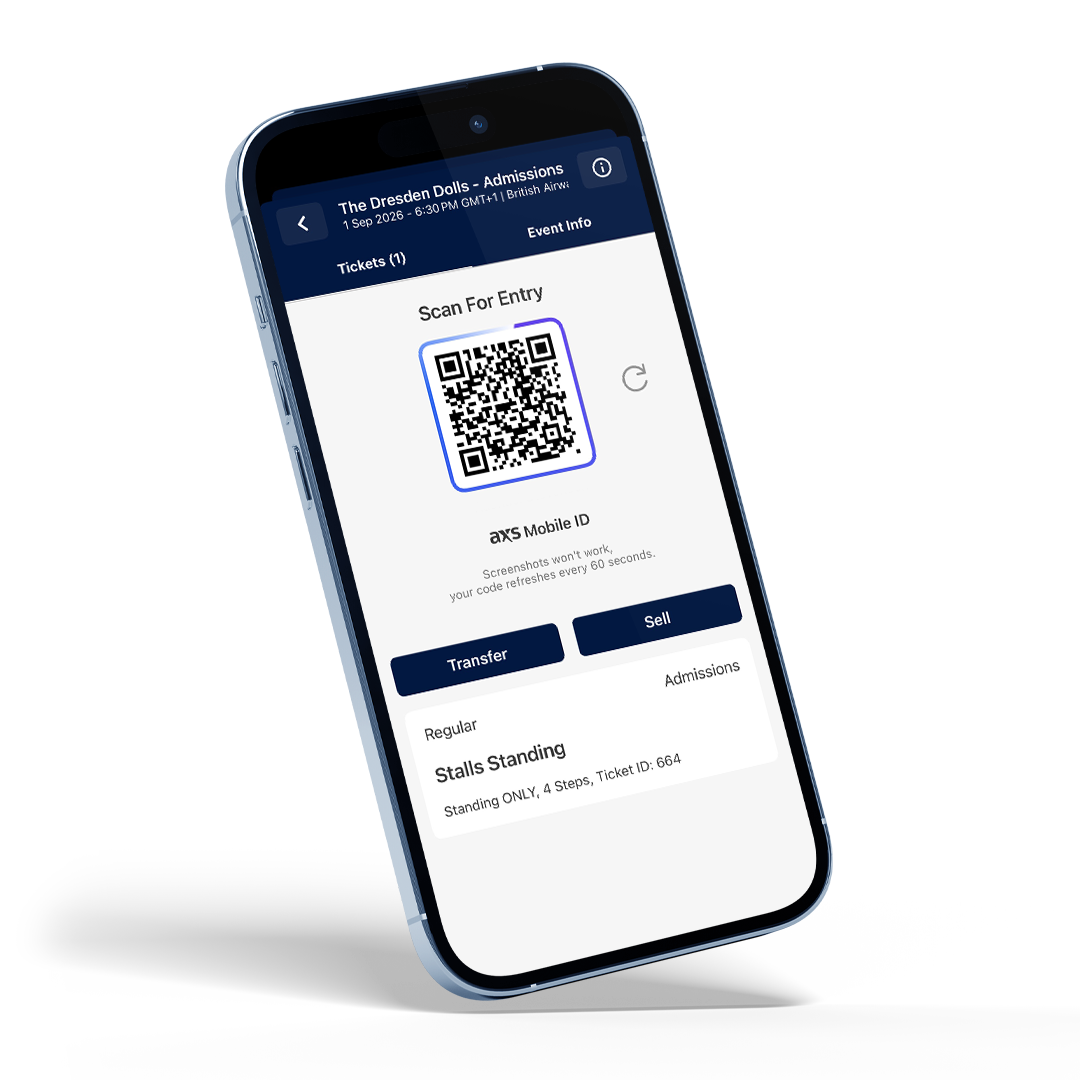
With AXS Mobile ID, your tickets are built with a dynamic barcode that changes every 59 seconds, meaning tickets can’t be copied or shared illegally. You will be able to access your tickets via British Airways ARC Venue App meaning you can store and access them easily, and share them with friends and family attending the show with you.
Can’t see your ticket in the app? No need to panic. Tickets are often uploaded to the app nearer the time of the event. If you still don’t see your tickets 3 working days before the event please contact your point of purchase.
Helpful Tips:
- Make sure you have installed the latest version of the app. Regardless of whether or not you’ve used our app previously, you’ll need to create a new app profile before connecting your ticketing account. This only takes a few minutes.
- To ensure the best experience, please make sure your device is running the latest available operating system. The app is compatible with Android 10 and later, and iOS 17 and later.
- Ensure your screen is set to maximum brightness before having your ticket scanned at the venue.
STEP 1
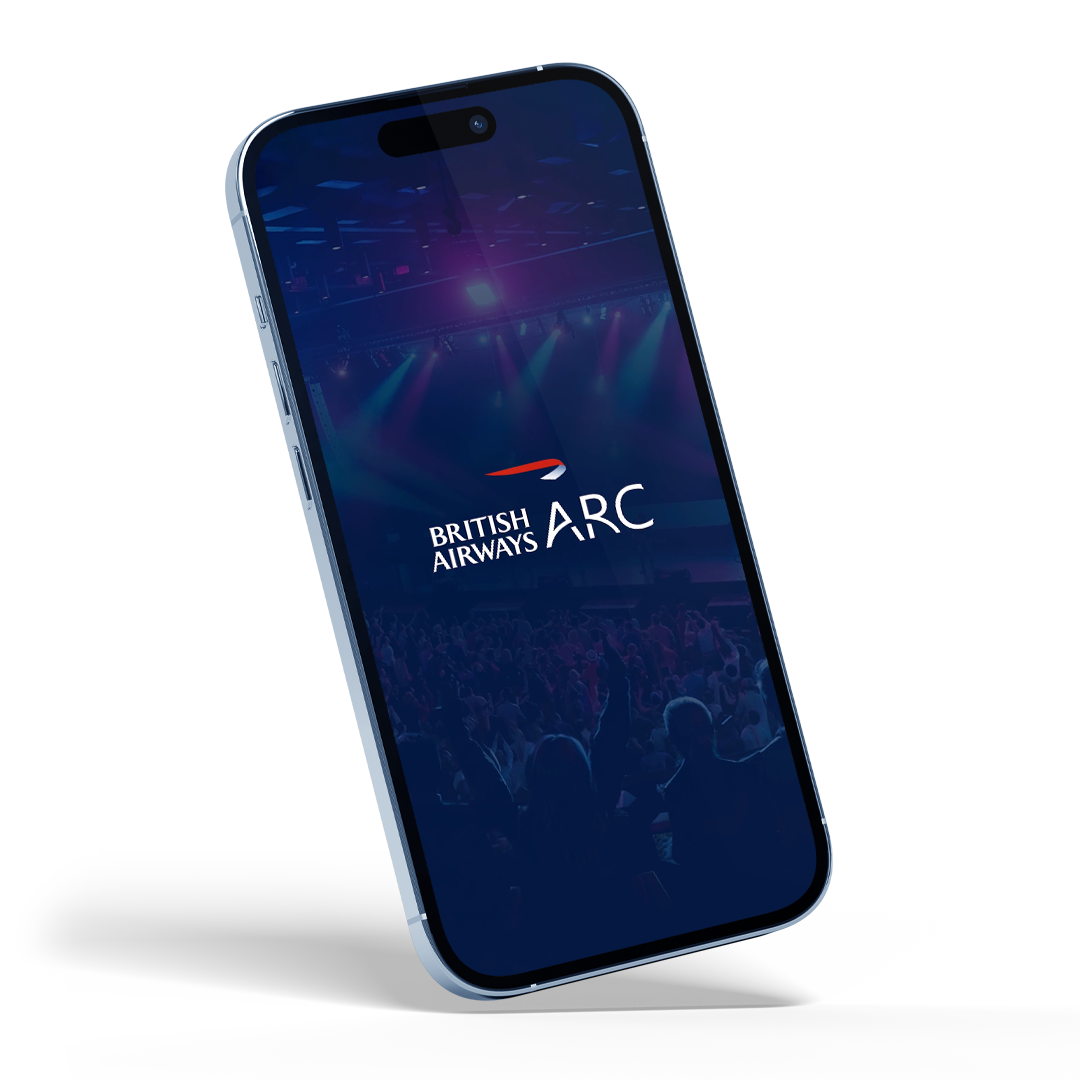
Download the ‘British Airways ARC Official Venue App’


STEP 2
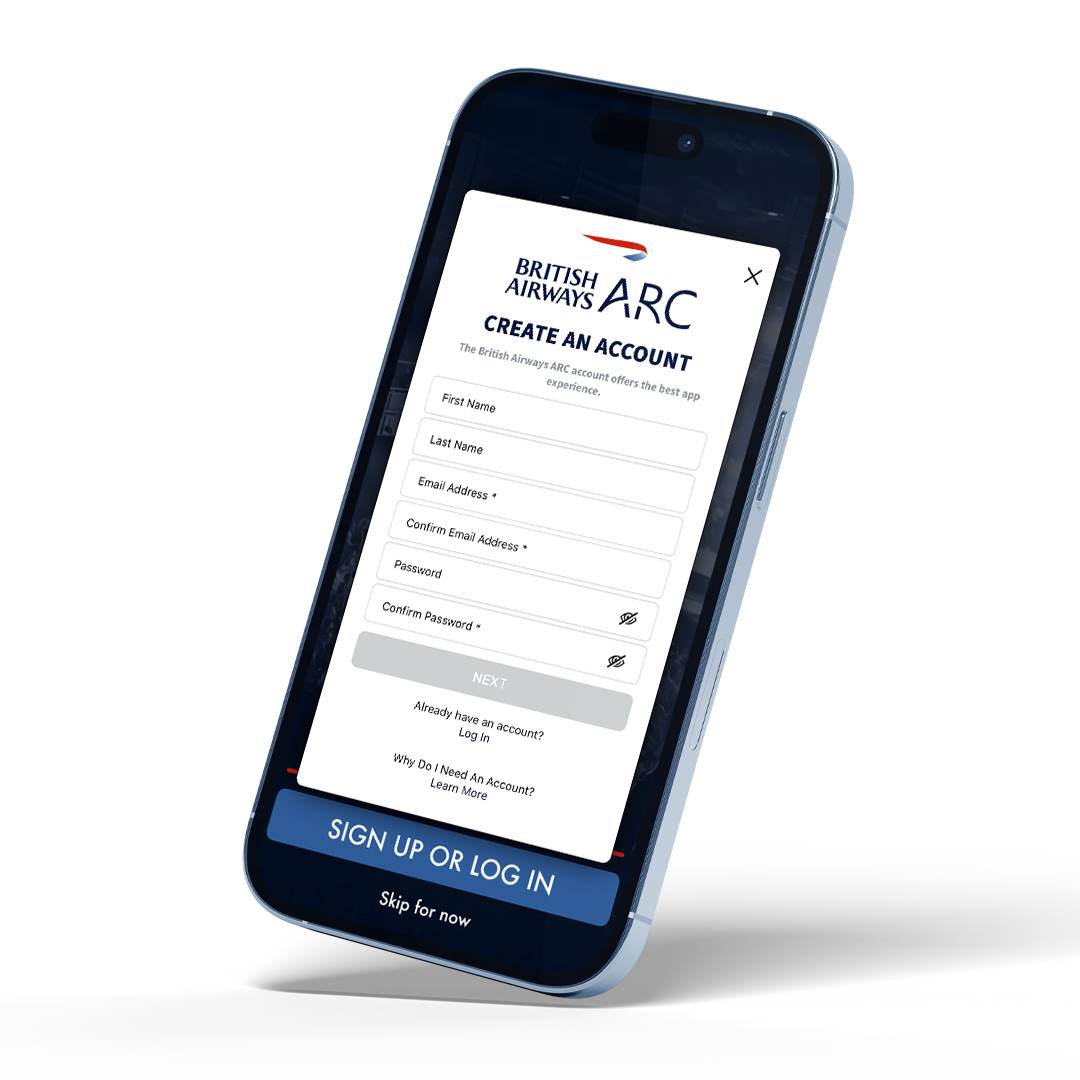
Create your app profile. Please use the same email you bought your tickets with.
STEP 3
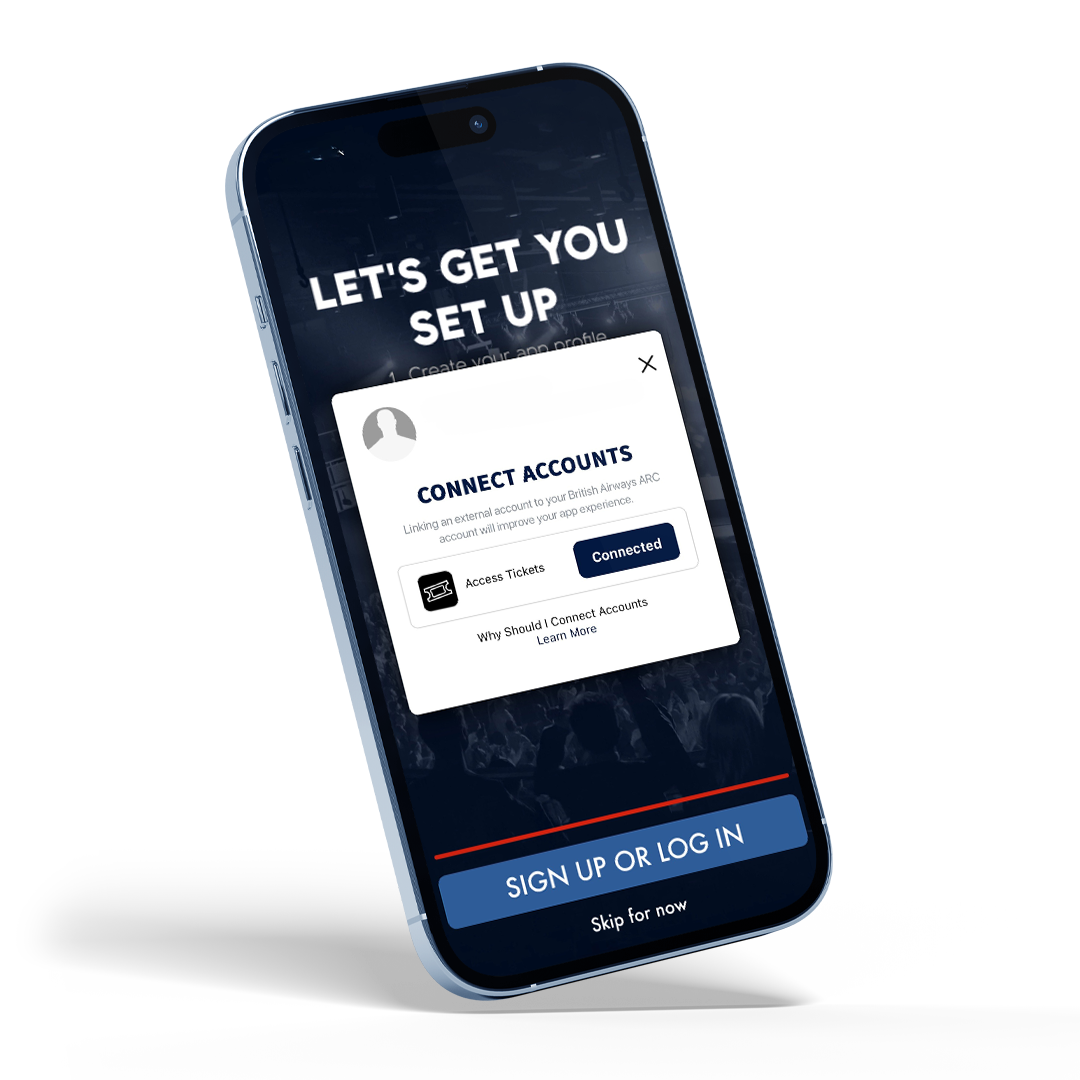
Connect your ticketing account. All tickets to British Airways ARC are delivered by AXS, regardless of where they are purchased. Tap ‘connect’ to retrieve your tickets. If you purchased via AXS.com, for security reasons, you may be asked to log in to AXS. Please use your AXS ticketing account email and password.
STEP 4
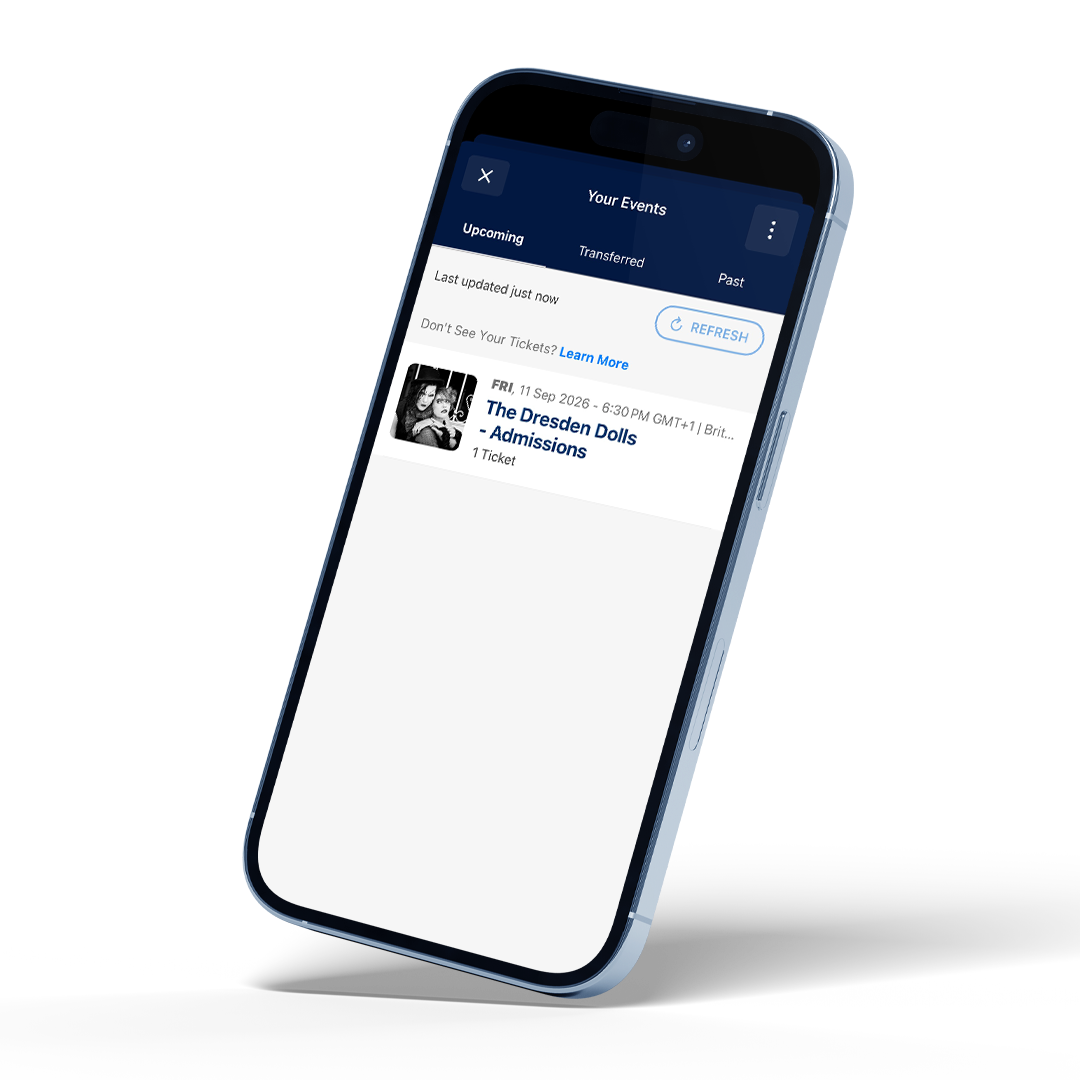
Click ‘Tickets’ in the navigation bar to access your tickets. You may be prompted to log in to your AXS account again—this is a normal part of the process. Once logged in, your tickets should be available to view directly in the app.
STEP 5
Once you’ve accessed your tickets, select the ticket to display the barcode, which is ready to scan at the venue. If needed, you can also transfer your tickets to someone else or resell them directly through the app.